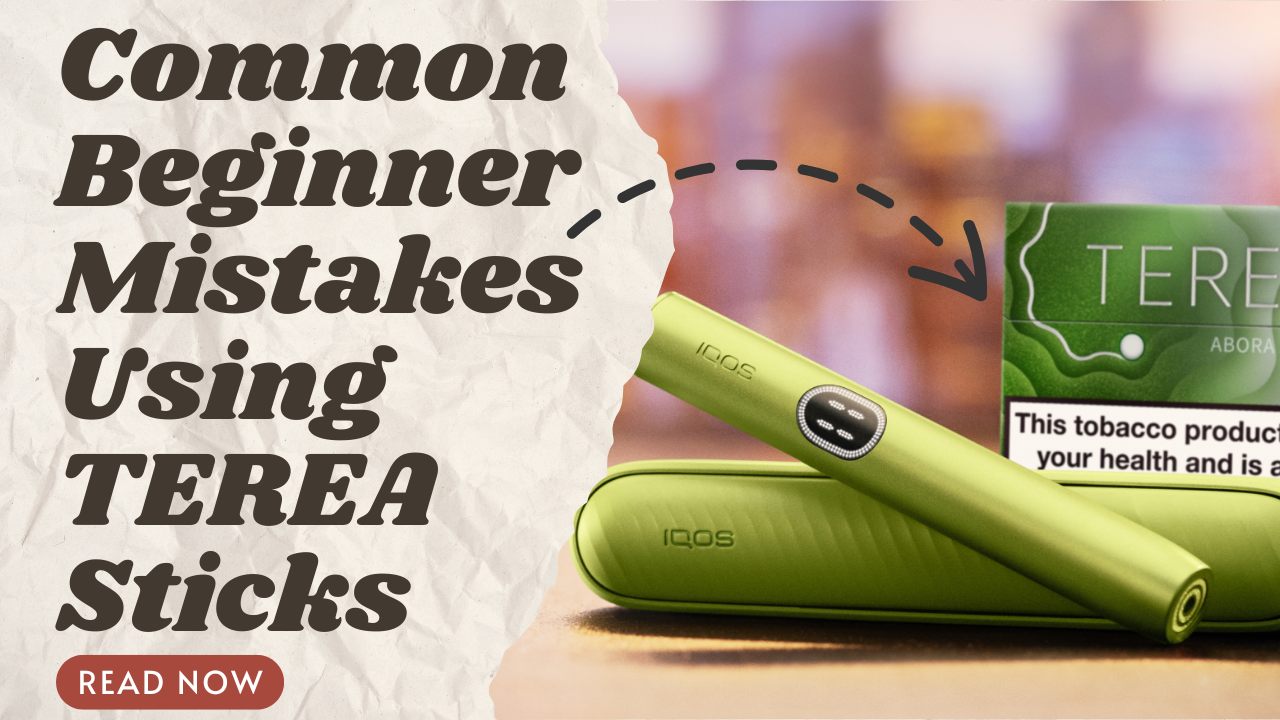

Using an IQOS ILUMA device daily becomes much easier when you clearly understand how charging works, how long a session lasts, and how the device behaves during use. Whether you are a beginner exploring heat-not-burn devices for the first time or an experienced IQOS user upgrading to ILUMA, knowing the basics helps you get consistent results every day.
Table of Contents
ToggleThis guide focuses on three important areas: IQOS ILUMA charging guide, IQOS ILUMA session length, and IQOS ILUMA device behavior. It also explains how daily use differs across the IQOS ILUMA i One, ILUMA i Standard, and ILUMA i Prime models, keeping real-world usage in mind.
Devices covered in this guide:
Before discussing charging and sessions, it’s important to understand how IQOS ILUMA works differently from older IQOS devices.
IQOS ILUMA uses the SMARTCORE INDUCTION SYSTEM™, which heats tobacco from inside the stick instead of using a blade. This technology creates a stable heating environment that stays consistent from the first puff to the last. Because there is no direct contact between the device and the tobacco, performance remains predictable even with frequent daily use.
This system also reduces internal wear, making ILUMA devices more reliable over time. Many users notice fewer interruptions and more uniform sessions compared to blade-based systems.
One of the biggest daily advantages of ILUMA devices is that they do not require cleaning. Since there is no blade and no exposed heating element, residue does not build up inside the holder. This eliminates the need for brushes or cleaning tools.
For daily users, this means:
IQOS ILUMA devices are designed to work only with TEREA sticks. These sticks contain an internal metal element that activates induction heating. Using compatible sticks ensures proper heating, accurate session timing, and stable device behavior.
Using non-compatible products may result in the device not starting or behaving inconsistently during sessions.
Charging plays a major role in daily device reliability. Understanding how charging works helps avoid unexpected interruptions.
IQOS ILUMA i One takes approximately 90 minutes to fully charge using a USB-C cable. Other ILUMA models, like i Standard and i Prime, take around 135 minutes.. A full charge typically supports up to 20 sessions, depending on the model and usage style. Battery indicators clearly show charging progress and remaining power.
Regular charging habits help maintain steady performance throughout the day. This is especially important for users who rely on their device during work hours or travel.
Different ILUMA models are designed for different daily routines:
Due to warm weather conditions in the UAE, proper charging habits are important. Avoid charging your device in direct sunlight or enclosed hot spaces. Let the device cool down before charging if it has been used continuously.
Good daily charging habits include:
IQOS ILUMA Not Charging? The Most Complete Troubleshooting Guide for UAE Users
Starting a session is designed to be simple, but understanding the process helps improve consistency.
IQOS ILUMA devices feature AutoStart, meaning the device begins heating automatically when a TEREA stick is inserted. A short warm-up period follows, during which LED lights or vibrations signal progress.
Once the device indicates readiness, the session begins without requiring additional input. This reduces user error and ensures uniform session starts.
A standard IQOS ILUMA session lasts up to 6 minutes or 14 puffs, whichever comes first. The device automatically manages session timing, removing the need to track puffs manually.
Some models use FlexPuff technology, which may allow extra puffs depending on how you draw. Understanding the IQOS ILUMA session length helps set realistic expectations during daily use.
Once a session starts, ILUMA devices continuously adjust performance in the background.
IQOS ILUMA monitors temperature throughout the session and adjusts heating based on puff rhythm. This ensures smooth output and stable flavor delivery. Sudden drops or spikes in heat are minimized.
This intelligent regulation makes daily sessions feel consistent, even when usage patterns vary.
FlexPuff technology adapts to your puffing style. If puffs are slower or spaced out, the device may extend the session slightly. This allows users to enjoy a flexible experience without manual controls.
This feature is especially noticeable for experienced users who do not follow a fixed puff rhythm.
Pause mode allows sessions to be paused for up to 8 minutes. After resuming, the session continues smoothly without restarting. This feature is useful for short interruptions during daily routines.
As the session nears completion, the device provides vibration or light alerts. Once the session ends, heating stops automatically. The device then enters a short cooldown phase.
Allowing the device to cool properly helps maintain consistent performance for the next session.
After cooldown, the holder can be placed back into the charger. Charging between sessions is optional but recommended for frequent users. Proper handling ensures readiness throughout the day.
Below is a simple comparison table for daily users:
| Device | Sessions per Charge | Key Daily Feature | Charging Time | Available Colors |
|---|---|---|---|---|
| ILUMA i One | Up to 20 | All-in-one simplicity | Approx. 90 min | I. Black, II. Blue, III. Orange, IV. Violet, V. Green |
| ILUMA i Standard | Up to 20 | Pause mode & FlexBattery | Approx. 135 min | I. Black (Midnight Black), II. Blue (Breeze Blue), III. Orange (Vivid Terracotta), IV. Violet (Digital Violet) |
| ILUMA i Prime | Up to 20 | Premium build & stability | Approx. 135 min | I. Green, II. Blue, III. Red, IV. Black |
These habits help maintain reliable IQOS ILUMA device behavior over time.
Why does the device not start immediately?
This is usually due to the warm-up phase or low battery level. Charging the device and waiting for the readiness signal resolves this issue.
Are vibrations and lights always alerts?
No. Many signals are part of normal operation, such as warm-up, session ending, or pause mode activation.
Understanding daily charging, session timing, and device behavior helps users enjoy a smoother experience with IQOS ILUMA. Whether you prefer the simplicity of ILUMA i One, the flexibility of ILUMA i Standard, or the premium feel of ILUMA i Prime, knowing how your device works makes daily use more predictable and satisfying.
By following proper charging habits and understanding session behavior, users can maintain consistent performance throughout the day and across long-term use.